A blog about Software Solutions
-
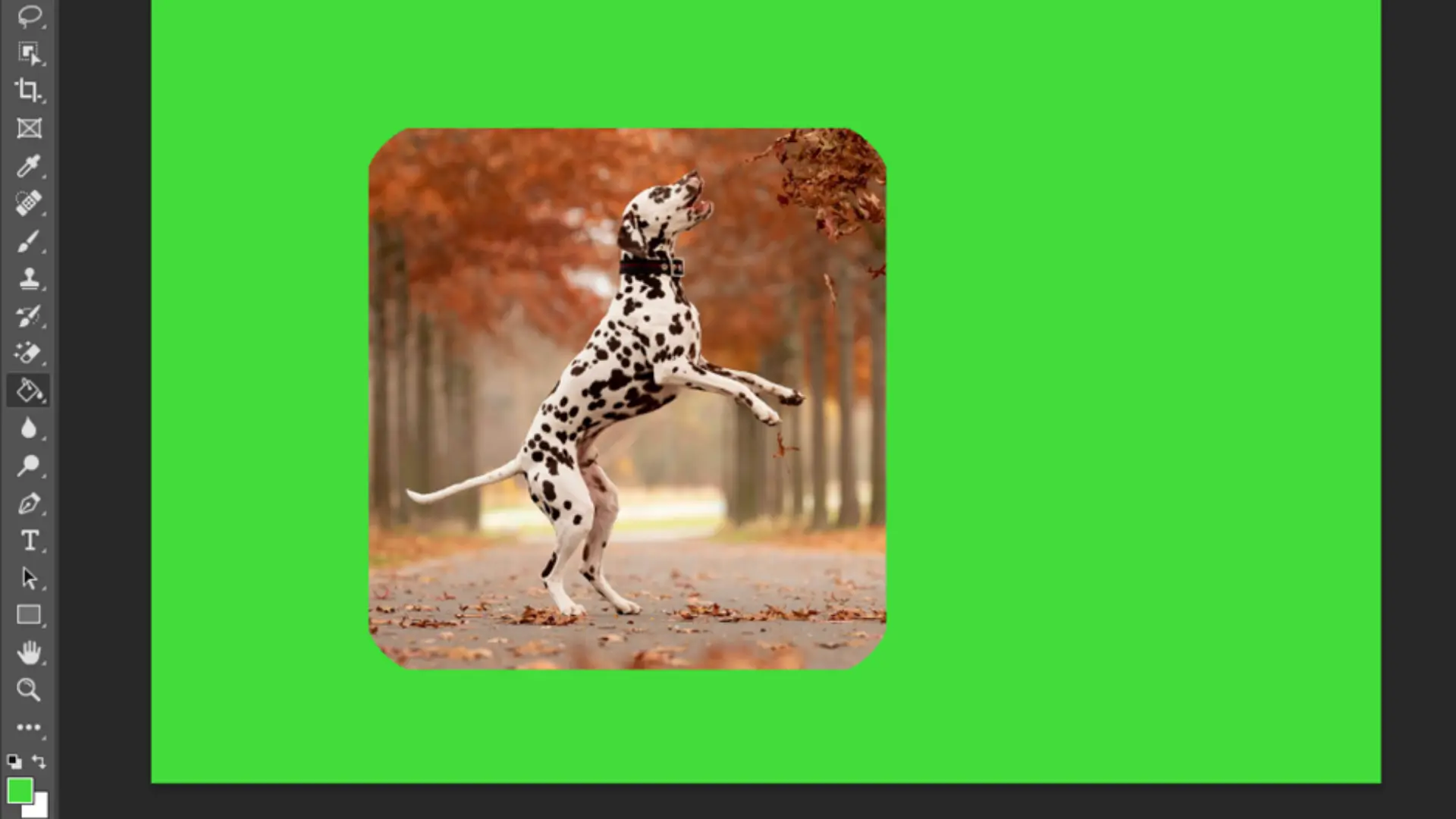
How to Round Corners in Photoshop
These days, designers frequently use round corners on graphics. Both beginners and experts alike admire the effect of the sleek appearance. There are a few things you need to be aware of when it comes to producing photos with rounded corners. You must first have access to a graphics application that allows you to create […]
-

How to Whiten Teeth in Photoshop
Teeth whitening is one of the most frequent changes you’ll ever perform while retouching photographs. You’ll discover how to whiten teeth in this article without affecting your original photo or making a selection. Additionally, almost any version of Adobe Photoshop or Photoshop Elements supports this technique. (For those interested, you can accomplish this in Aperture, Lightroom, […]
-

How to Change Text Color in Photoshop
Photoshop is one of the most well-liked and effective programs when it comes to editing and modifying photographs. Both experts and amateurs utilize this well-known Adobe software product worldwide. You may learn how to alter the text color in Photoshop by reading this article. You’ll be able to improve your image manipulation skills as a […]
-

How to Deselect in Photoshop
If you’re like most people, you’re probably always looking for ways to speed up your workflow in Photoshop. One of the things that can really slow you down is having to constantly click on the right layer or selection to make changes. Well, there’s good news! There are ways to deselect in Photoshop without clicking […]
-
How to Delete Projects In Premiere Pro
Premiere Pro is a powerful video editing software used by professionals around the world to create stunning video content. In this tutorial, I’ll show you the steps to delete a project in Premiere Pro. Before we begin, it’s important to note that deleting a project in Premiere Pro is a permanent action and cannot be […]
-
How to Zoom in and Out on Photoshop
If you’re a Photoshop user, you probably already know how to zoom in on an image. But did you know there’s more than one way to do it? And that some ways are better than others. This article will show you how to zoom in on Photoshop like a pro. Zooming in on Photoshop Zooming […]
-
How to Create a Preset in Lightroom
One of the exciting features of Lightroom is the capacity to save every modification you’ve made to the various tools in the software. With that, you don’t always have to go through the whole process all the time, but you can edit your photos instantly. How To Create A Preset In Lightroom Below, I’ve outlined […]
-
How to Add Watermark in Lightroom
Adding a watermark to your image can discourage theft of your intellectual property, although it’s not guaranteed. On the bright side, watermarking your image promotes your brand or business across various social media platforms and promotional websites. Watermarking an image can be quite tedious, especially for beginners. This article contains understandable steps to add watermarks […]
-
How to Blur Background in Lightroom
Sometimes, more than a camera is needed to give your photograph a dreamy effect. An image with a wide background and lots of elements could leave the point of focus or image concept looking distorted. In this case, a simple blur edit with the help of Lightroom would go a long way. For Lightroom beginners, […]
-
How to Use Lightroom
If you are in the photography or photo editing newbies category, you might find certain editing software, including Lightroom, quite strange. A glance at the intimidating tools and panels in this useful app might make you feel discouraged. This article is packed with understandable step-by-step guides to making you a pro at using this software. […]
Got any recommendations?