A blog about Software Solutions
-
How to Add Bleed in Photoshop
Are you a Photoshop user who is struggling with printing designs? Does adding bleed in your artwork seem like an impossible task? Well, don’t worry! We’ve got the perfect solution for you. In this blog, we’ll be taking a look at the basics of how to add bleed in Photoshop and how to make sure […]
-
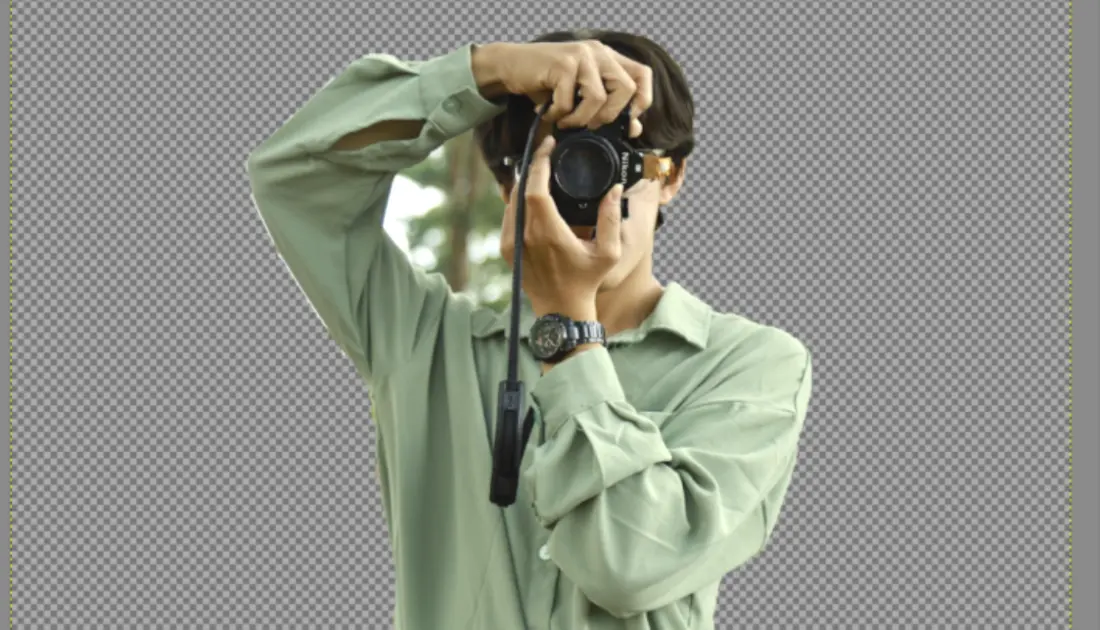
How to Cut Out an Image in GIMP
Gimp is a raster editing software that provides rectangle, ellipse, and lasso selection tools to help you cut out specific parts of images or illustrations that you want to edit or remove. You can remove the area surrounding your image and replace it with a transparent background if you have an alpha channel. Before getting […]
-
How to Make a GIF in GIMP
Making GIFs can be fun and exciting. GIFs have become an incredibly popular way to express yourself in the digital space, but not everyone knows how to make one. Have you ever wanted to create a GIF for your blog or social media? Well, now’s your chance! Using GIMP (GNU Image Manipulation Program), you can […]
-
How to Create Glass Look in Photoshop
Creating a glass look in Photoshop can be a useful technique for adding a unique and polished touch to your designs. This tutorial will walk you through the steps for creating a glass look in Photoshop, from setting up your document to adding the final touches. How to Create Glass Look in Photoshop Open Photoshop […]
-
8 Ways to Save in Photoshop
Professional designers, photographers, and illustrators use Photoshop, a potent image-editing program. It can produce excellent results when used to produce and manipulate digital photographs. But it’s crucial to know how to save your work when using Photoshop. A Photoshop file can be saved using a number of methods, including Save, Save As, Export, and Save […]
-
How to Blur on Picsart
One of the many features of Picsart is the ability to blur certain parts of an image, which can be useful for obscuring sensitive information or for creating a sense of depth in a photograph. This tutorial will show you how to use the blur tool in PicsArt to achieve a professional-looking result. How to […]
-
How to Crop an Image in InDesign
If you’ve ever picked up a magazine and thought ‘this looks so good’, you’re possibly looking at something created using InDesign. Adobe InDesign is a professional desktop publishing software that is widely used for designing books, magazines, and other print materials. It offers a range of advanced features and tools that allow users to create […]
-
How to Add Fonts to InDesign
One of my favorite features of InDesign is the ability to work with a variety of fonts. This not only helps to enhance the appearance and readability of my documents but also makes my designs unique. To get started with using a font in InDesign, it must first be installed on your computer. In this […]
-
How to Get Toolbar Back in Photoshop
You may rapidly choose one of the numerous handy tools in Adobe Photoshop’s toolbar for selecting areas, cropping images, and other tasks by clicking on it. All of our work in Photoshop is assisted by the tools on the toolbar. With one mistake, the Toolbar might occasionally vanish. Let’s look at How to get the […]
-
How to Make Image Transparent in GIMP
Are you looking for an easy and effective way to make your images more visually appealing? If so, then GIMP is the perfect tool to help. In this blog post, we’ll discuss GIMP’s image transparency features and provide step-by-step instructions on how you can use this powerful software suite to make your image transparent. We’ll […]
Got any recommendations?