A blog about Software Solutions
-
How to Add Presets on Lightroom
Using preset in Lightroom can help you save a lot of your time and create professional-looking photographs. The process of adding a preset is straightforward and this article will help you unlock this exciting feature in Lightroom. How to add presets on lightroom These comprehensible steps will guide you into downloading, uploading and importing presets […]
-
How to Add Fonts to Inkscape
Inkscape usually comes with its own preset font. However, sometimes the font we want is not in the designing software, and we often need to find and import custom fonts to Inkscape. Adding Custom Fonts to Inkscape Here, we’ll learn how to add fonts to our Inkscape software. Follow these steps for adding font: Step […]
-
How to Use Flipaclip
Flipaclip is a great way to make animations on your phone or computer. In this tutorial, I’ll show you how to use it and some features you can use to make your animation look great. Flipaclip is available for Android and iOS devices and desktop computers. I’ll show you how to use the Flipaclip app […]
-
How to Delete a Layer on Flipaclip
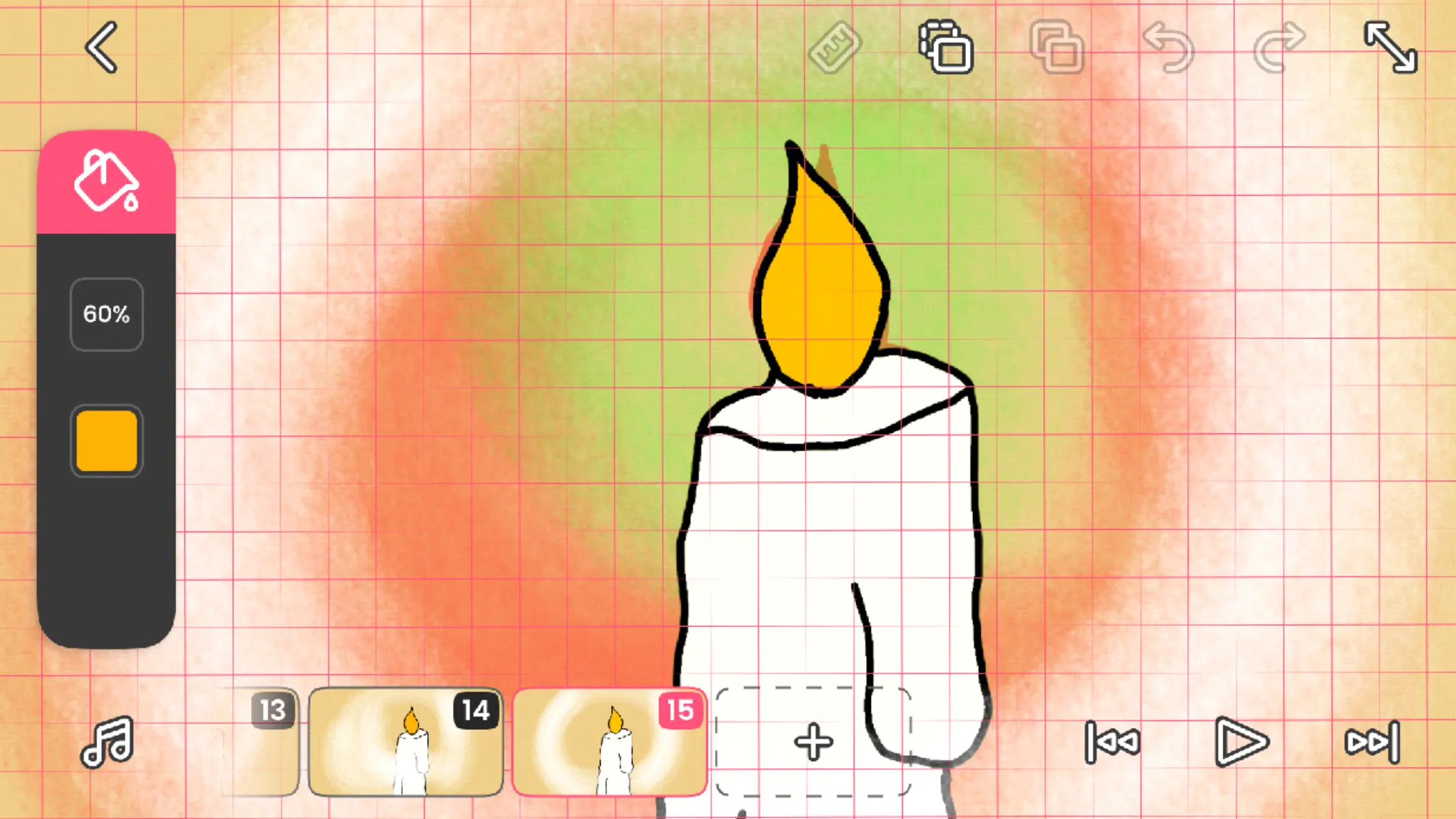
It’s not uncommon to delete multiple layers while animating on FlipaClip. If you’re looking for ways to delete layer on Flipaclip, you’ve come to the right place. In this blog post, we will show you how to delete a layer in Flipaclip. We will also provide some tips on how to make the deletion process […]
-
How to Animate on FlipaClip
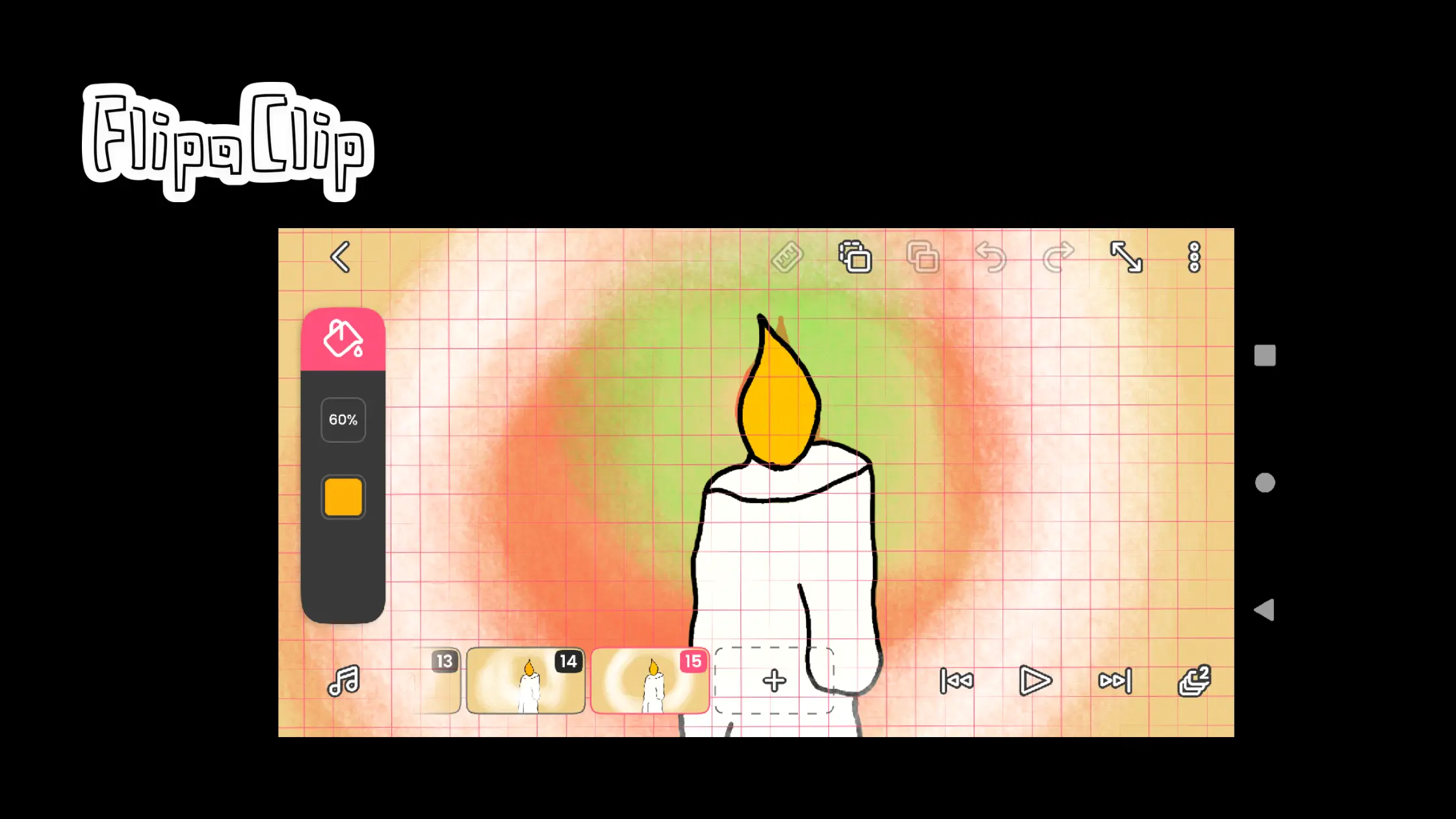
Animate on FlipaClip is very easy, and FlipaClip has many useful tools for animators to draw motion. If you’re unfamiliar with FlipaClip, it’s a phone app that allows you to create animations. It’s really easy to use and is great for beginners. Let’s see some quick tips to help you create your best FlipaClip Animation. […]
-
How to Undo in Procreate
The undo feature is incredibly helpful in Procreate, particularly if you’re new to the software or digital art. Before showing you how to utilize it efficiently, we’ll review some of its fundamentals. What is Undo in Procreate? You can take your current drawing back one step in Procreate by using the undo feature. Simply double-tap […]
-

How to Curve Text in Procreate
One of the most awesome features of Procreate, an app on your iPad, is its ability to let you curve text to make it more visually appealing. However, if you have just gotten this app and have never used it before, there are several things you need to do to create curved text that doesn’t […]
-

How to Change Opacity on Procreate
The ability to alter the opacity of brushes or other tools is a crucial issue for many digital artists. This may facilitate the achievement of specific effects or facilitate the rapid onset of strokes. You’ll need to understand how to adjust the opacity levels to get the most out of the Procreate app. Depending on how […]
-
How to Duplicate on Procreate
Imagine having to redo all of your artwork from scratch. What a complete nightmare! Because of this, having the ability to replicate objects in Procreate is crucial and may help you save a ton of time. This article will cover the Copy & Paste menu and how to copy entire layers and individual layer pieces […]
-

How to Color Match on Procreate
You might be wondering if there’s a method to extract a color sample from your image to use it to paint and draw in other places when using Procreate for the iPad to work with pictures and paintings. You’re in luck, though, because this is easier to solve than you might think. Color Matching on […]
Got any recommendations?